
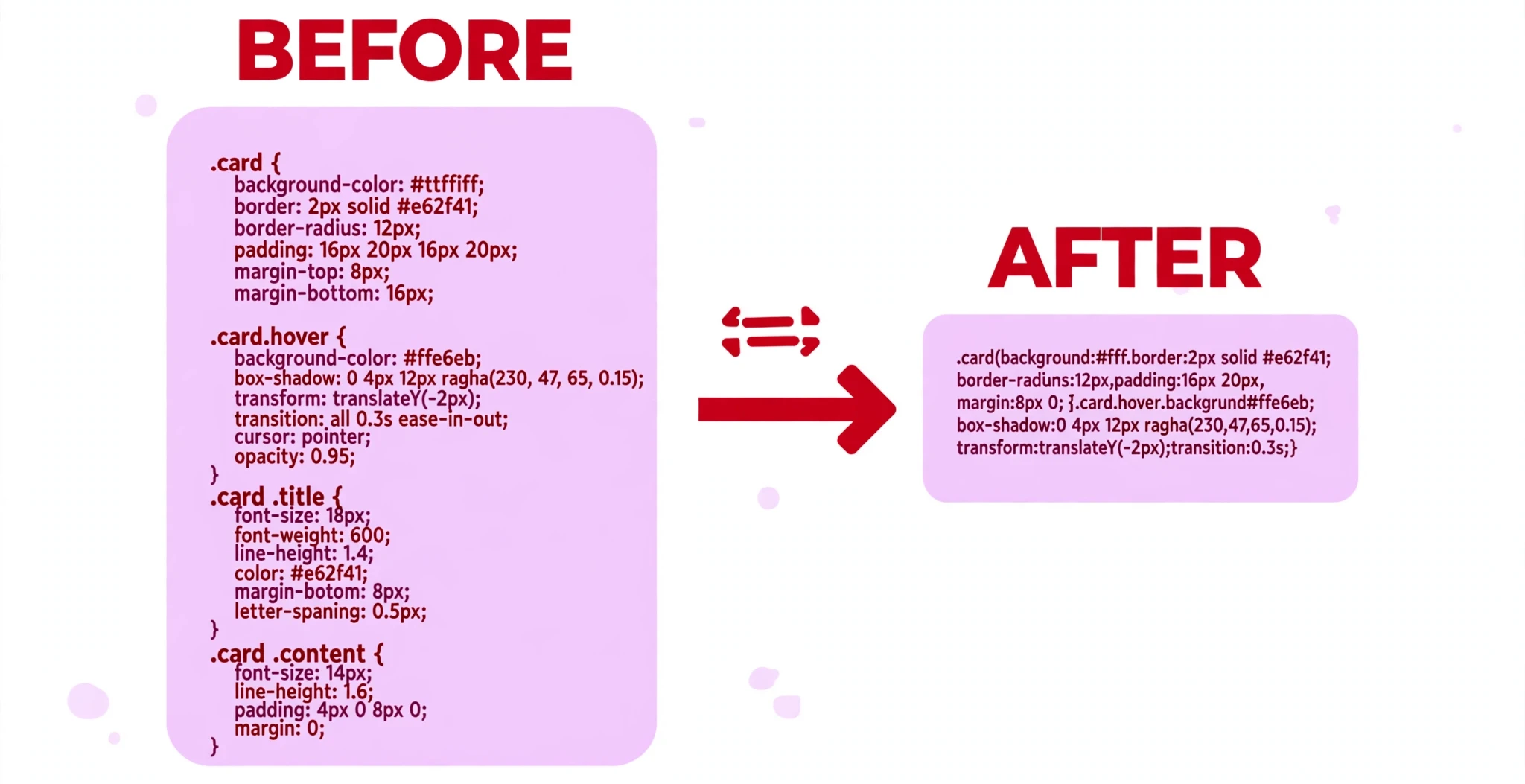
This minifier reads your CSS token by token — it is not a regex find-and-replace. Strings, data URLs and custom properties (--var) are preserved exactly, and spaces that CSS requires (for example around + and - inside calc()) are never removed. It never rewrites your selectors or declarations, and it does not add missing braces or fix invalid CSS — check the warnings below.
What is the CSS Minifier?
A CSS minifier makes a stylesheet smaller by removing the parts a browser does not need: comments, unnecessary whitespace, and unnecessary semicolons. The styles work exactly the same — the page looks identical — but the file travels over the internet faster and takes up less room. This free CSS Minifier does that safely: it reads your CSS token by token, the way a browser reads it, instead of doing a rough find-and-replace with regular expressions.
That matters because CSS is full of places where a careless minifier breaks things. A string with spaces in it, a data URL, a custom property like --brand, or the spaces around + and - inside calc() all have to survive minifying untouched — remove the spaces in calc(100% - 20px) and the calculation stops working. This tool understands those pieces, so it preserves them exactly. It also lets you keep important comments — the ones that start with /*! — which are often licence notices that must stay in the file.
It is made for anyone who publishes stylesheets: students finishing a project, bloggers who want their pages to load faster, and developers preparing a site for production. Smaller CSS means faster first paint, less bandwidth, and a better experience for visitors on slow connections.
Everything runs in your browser. Your stylesheet is never uploaded, stored, or sent anywhere, so you can minify code from a private or client project without a second thought.
How to use the CSS Minifier
There is no button to press — the tool minifies as you type:
- Paste your CSS into the CSS input box. The tool loads with a sample stylesheet already in place, so you will see a minified result immediately. Replace it with your own code whenever you are ready.
- Choose what to remove. Four options are ticked by default: Remove comments, Remove unnecessary whitespace, Remove unnecessary semicolons, and Preserve important comments (
/*! ... */). Untick any of them if you want to keep that part of your code. Note that “Preserve important comments” is a separate choice: with it on, licence comments survive even while ordinary comments are removed. - Read the result in the Minified output box. The output appears on the right, and the stats line underneath shows how much smaller the file became.
- Copy or download the result. Use Copy to put the minified CSS on your clipboard, or Download to save it as a file. Clear empties the input, and Reset restores the sample stylesheet.
If your CSS has a problem — an unclosed brace, for example — the tool shows a warning underneath instead of guessing. It never rewrites your selectors or declarations, and it does not try to fix invalid CSS; it only shrinks what you gave it.
Worked example
Paste this stylesheet into the input:
body {
  margin: 0;
  padding: 0;
  color: #232323;
}

.card {
  padding: 16px;
  border: 1px solid #d9d9d9;
}
The CSS Minifier returns:
body{margin:0;padding:0;color:#232323}.card{padding:16px;border:1px solid #d9d9d9}
Every space that was only there for humans is gone — after colons, after braces, the blank line between the rules. But look closely at border:1px solid #d9d9d9: the space between 1px and solid is still there, because CSS needs it. That is the difference a tokenizer-based minifier makes: it removes what is safe to remove and keeps what the language requires.
Why minify your CSS
Faster pages for your visitors. A stylesheet blocks the page from rendering until it has downloaded, so every kilobyte counts. On a slow mobile connection, a minified stylesheet can be the difference between a page that appears quickly and one that leaves the visitor staring at a blank screen.
Less bandwidth, lower costs. If your site serves thousands of pages a day, shaving a few kilobytes off each stylesheet adds up to real bandwidth saved — and on metered hosting, real money saved. Minifying is one of the cheapest performance wins available: it costs nothing and changes nothing about how the page looks.
A cleaner production file. Development CSS is full of indentation, blank lines, and comments that helped you while you were building. None of that helps the visitor. Minifying is the step that turns the file you worked on into the file you serve — the same styles, without the scaffolding.
Tips for getting the best result
Keep a readable copy and minify a copy. Minified CSS is hard to edit. Always keep your original, formatted file as the one you work on, and treat the minified version as the output you publish. If you need to change a style later, edit the original and minify again.
Leave “Preserve important comments” ticked. Licence notices in open-source stylesheets live in /*! ... */ comments, and the licence usually requires them to stay in the file. This tool keeps them by default even while it removes ordinary comments — leave that option on unless you are certain the file has no licence comment.
Check calc() and data URLs after minifying. The tool is built to preserve the spaces calc() needs and to leave data URLs untouched, but a quick glance at the output is good practice: search the minified file for calc( and confirm the spaces around + and - are still there, and check that any background image still loads.
Minify the HTML and JavaScript too. A fast page needs all three files to be small. Run your pages through the HTML Minifier and your scripts through the JavaScript Minifier as well — the three together are what makes a page genuinely light.
Do not minify while you are still debugging. A minified stylesheet is one long line, which makes browser error messages harder to follow. Minify at the end, when the styles work. While you are still fixing things, keep the readable version.
Frequently asked questions
Will minifying change how my page looks?
No. The tool only removes comments, unnecessary whitespace, and unnecessary semicolons. Selectors, properties, and values are unchanged, and the page renders exactly the same. The spaces CSS requires — inside calc(), between values, between selectors — are never removed.
What happens to my comments?
Ordinary comments are removed when “Remove comments” is ticked. Important comments that start with /*! are kept as long as “Preserve important comments” is ticked, which it is by default. That is where licence notices usually live.
What is an “unnecessary semicolon”?
The semicolon after the last declaration in a rule — for example the one after color: #232323; in body { color: #232323; } — is optional in CSS. Removing it saves a byte and changes nothing. The tool removes only those trailing semicolons, never the ones between declarations.
Is my CSS uploaded anywhere?
No. Everything runs in your browser, on your own device. Nothing is uploaded, stored, or shared.
How much smaller will my stylesheet get?
It depends on how the stylesheet was written. A heavily commented, generously indented stylesheet can shrink by 30–50% or more; a file that is already tight may only save a few percent. The stats line under the output tells you the exact numbers for your file.
Conclusion
Minifying is one of the simplest performance wins on the web: same styles, fewer bytes, faster load — and it takes seconds. The CSS Minifier does it safely, preserving your strings, data URLs, custom properties, and the spaces calc() needs, while showing you exactly how much you saved.
Try it on the tool above, and when your stylesheet is ready to publish, format a readable copy first with the CSS Formatter so you always have a clean original to work from.