
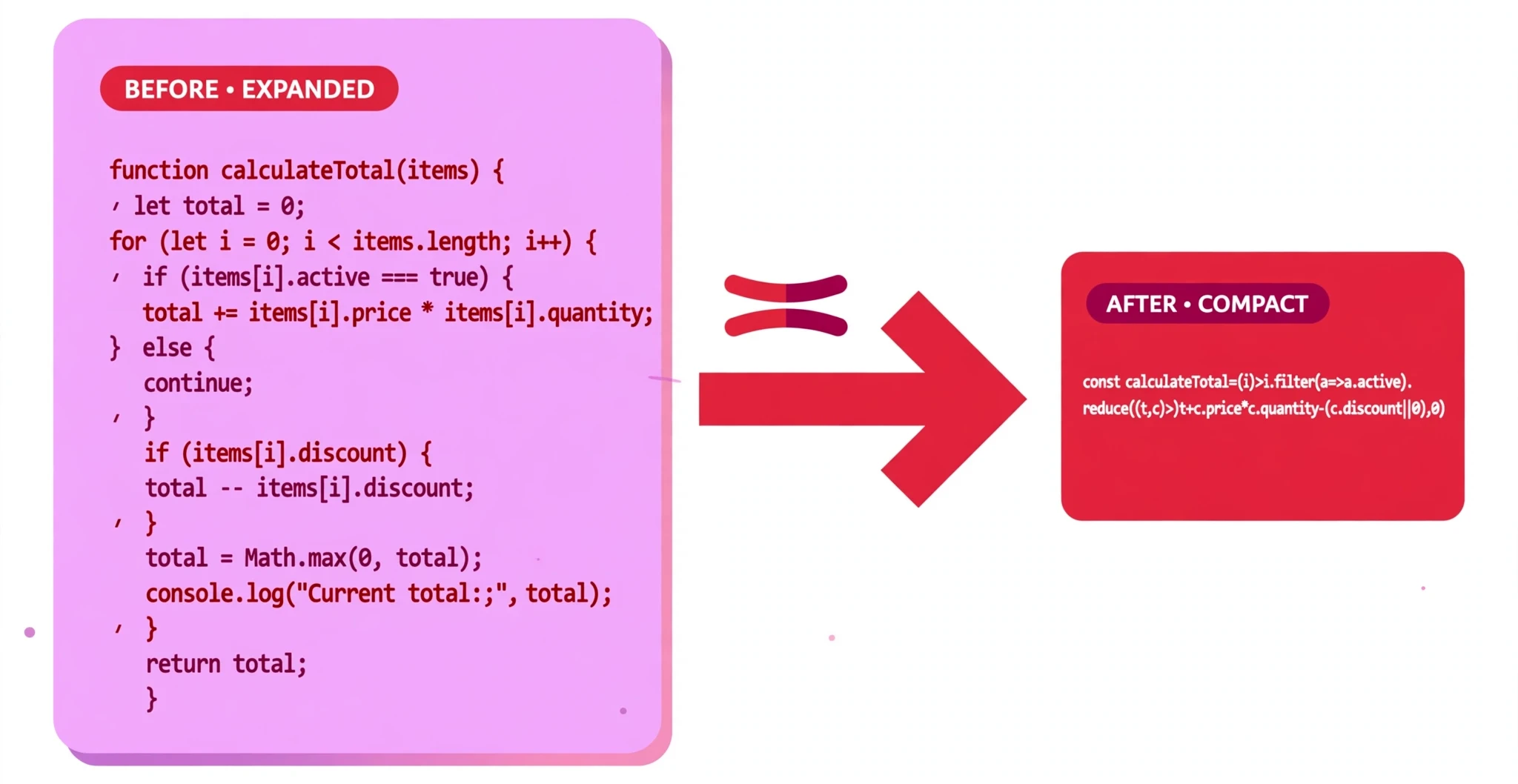
This minifier reads your code token by token — it is not a regex find-and-replace, and it never runs your code. It only removes whitespace and comments that are safe to remove; a space stays wherever two tokens would otherwise merge into a different token, and a line break stays wherever joining would change what the code does. Strings, template literals and regular expressions are never touched. This is a safe minifier, not an aggressive optimizer: it does not rename variables or restructure code, so the output stays easy to debug — a fully optimized build (for example with a bundler) would be smaller still, but harder to read.
What is the JavaScript Minifier?
A JavaScript minifier makes a script smaller by removing the parts a browser does not need: comments and unneeded whitespace. The code does exactly the same thing — it simply travels over the internet faster and takes up less room. This free JavaScript Minifier does that safely: it reads your code token by token, the way a JavaScript engine reads it, instead of doing a rough find-and-replace with regular expressions.
That matters because JavaScript is full of places where a careless minifier breaks things. Two tokens that must not merge — a + +b must never become a++b — a line break after return that must stay, a template literal, or a regular expression that looks like a division: all of these have to survive minifying untouched. This tool understands them, so it keeps a space wherever two tokens would otherwise merge into a different token, and it keeps a line break wherever joining would change what the code does. It never runs your code, and it never executes anything in it.
It is also a safe minifier, not an aggressive optimizer. It does not rename your variables, and it does not restructure your code. The output stays easy to debug — a fully optimized build made with a bundler would be smaller still, but much harder to read. This tool is the middle ground: smaller, but still your code.
It is made for anyone who publishes scripts: students finishing a project, bloggers who want their pages to load faster, and developers preparing a site for production. Smaller JavaScript means faster pages, less bandwidth, and a better experience for visitors on slow connections.
Everything runs in your browser. Your code is never uploaded, stored, or sent anywhere, so you can minify scripts from a private or client project without a second thought.
How to use the JavaScript Minifier
There is no button to press — the tool minifies as you type:
- Paste your JavaScript into the JavaScript input box. The tool loads with a sample script already in place, so you will see a minified result immediately. Replace it with your own code whenever you are ready.
- Choose what to remove. Three options control the result: Remove comments (ticked), Keep important comments (
/*! ... */) (ticked), and Keep line breaks (unticked). With the defaults, ordinary comments are removed, licence comments are kept, and the output is compressed onto as few lines as safely possible. Tick “Keep line breaks” if you want the output to stay one statement per line. - Read the result in the Minified output box. The output appears on the right, and the stats line underneath shows how much smaller the file became.
- Copy or download the result. Use Copy to put the minified code on your clipboard, or Download to save it as a file. Clear empties the input, and Reset restores the sample script.
If your code has a structural problem — unbalanced brackets, an unterminated string, template literal, or comment — the tool shows a warning underneath instead of guessing. It only removes whitespace and comments that are safe to remove; strings, template literals, and regular expressions are never touched.
Worked example
Paste this script into the input:
const greet = (name) => {
  const message = `Hello, ${name}!`;
  console.log(message);
  return message;
};
The JavaScript Minifier returns:
const greet=(name)=>{const message=`Hello, ${name}!`;console.log(message);return message;};
The whole function is now one line, but nothing about it changed: the arrow function, the template literal with its ${name} interpolation, and the return statement are all intact. The spaces that separated the tokens are gone, except where they were needed — after const, for instance, where removing the space would have merged two tokens into one.
Why minify your JavaScript
Faster pages for your visitors. JavaScript has to download and then run before a page becomes interactive, so every kilobyte counts twice. On a slow mobile connection, a minified script can be the difference between a page that responds quickly and one that leaves the visitor waiting.
Less bandwidth, lower costs. If your site serves thousands of pages a day, shaving a few kilobytes off each script adds up to real bandwidth saved — and on metered hosting, real money saved. Minifying is one of the cheapest performance wins available: it costs nothing and changes nothing about what the code does.
A cleaner production file. Development code is full of indentation, blank lines, and comments that helped you while you were building. None of that helps the visitor. Minifying is the step that turns the file you worked on into the file you serve — the same behaviour, without the scaffolding.
Tips for getting the best result
Keep a readable copy and minify a copy. Minified JavaScript is hard to edit and hard to debug. Always keep your original, formatted file as the one you work on, and treat the minified version as the output you publish. If you need to change the script later, edit the original and minify again.
Leave “Keep important comments” ticked. Licence notices in open-source scripts live in /*! ... */ comments, and the licence usually requires them to stay in the file. This tool keeps them by default even while it removes ordinary comments — leave that option on unless you are certain the file has no licence comment.
Use “Keep line breaks” while you are still testing. With it unticked, the output is as small as safely possible. With it ticked, the output stays one statement per line, which makes browser error messages much easier to follow — a line number actually points at a single statement. Untick it for the final production file.
Do not expect an optimizer. This tool removes whitespace and comments; it does not rename variables, remove unused code, or restructure anything. If you need the smallest possible file, a bundler will do more — but the output will be far harder to read. For most small sites and learning projects, this safe minifier is the right choice.
Minify the HTML and CSS too. A fast page needs all three files to be small. Run your pages through the HTML Minifier and your styles through the CSS Minifier as well — the three together are what makes a page genuinely light.
Frequently asked questions
Will minifying change what my code does?
No. The tool only removes whitespace and comments that are safe to remove. It keeps a space wherever two tokens would otherwise merge into a different token, and it keeps a line break wherever joining would change the meaning — after return, for example, or before ++, (, [, and a template literal that starts a new statement. Strings, template literals, and regular expressions are never touched.
Will it run my code?
No, never. The minifier only reads your code. It is safe to minify scripts you have not reviewed yet, because nothing in them executes.
What is the difference between this and an optimizer?
An optimizer rewrites your code: it renames variables to single letters, removes code it thinks is unused, and restructures expressions. That produces a smaller file, but one that is very hard to debug. This tool does none of that. It only removes whitespace and comments, so the output is still your code, still readable, and still easy to trace when something goes wrong.
Is my code uploaded anywhere?
No. Everything runs in your browser, on your own device. Nothing is uploaded, stored, or shared.
How much smaller will my script get?
It depends on how the script was written. A generously commented, well-indented script can shrink by 30–50% or more; a file that is already tight may only save a few percent. The stats line under the output tells you the exact numbers for your file.
Conclusion
Minifying is one of the simplest performance wins on the web: same behaviour, fewer bytes, faster load — and it takes seconds. The JavaScript Minifier does it safely, keeping the spaces and line breaks your code needs and never running or rewriting it, while showing you exactly how much you saved.
Try it on the tool above, and when your script is ready to publish, format a readable copy first with the JavaScript Formatter so you always have a clean original to work from.